
The ACA Exam (aka Adobe Certified Associate) certifies that individuals have the entry-level skills to plan, design, build and maintain effective communications using different forms of digital media. This exam is split in five topics containing different objectives that a candidate will have to meet.
Number 1: Setting Project Requirements.
This topic includes four objectives that are needed to start up a photoshop project successfully and these are:
- Identify the purpose, audience and their needs for preparing images
- demonstrate knowledge of standard copyright rules for mages and image use
- demonstrate knowledge of project management tasks and responsibilities
- communicate with others about design plans
Number 2: Identifying design elements when preparing images
This topic contains six objectives
- demonstrate knowledge of image resolution, image size and image file format for web, video and print
- demonstrate knowledge of design principles, elements and image composition
- demonstrate knowledge of typography
- demonstrate knowledge of colour correction using Photoshop
- demonstrate knowledge of image-generating devices, their resulting image types and how to access resulting images in Photoshop
- understand key terminology of digital images
From the third topic and onwards it is more based on Photoshop and the aims surrounding this software coming from Adobe
Number 3: Photoshop and its features
This topic has five objectives to meet
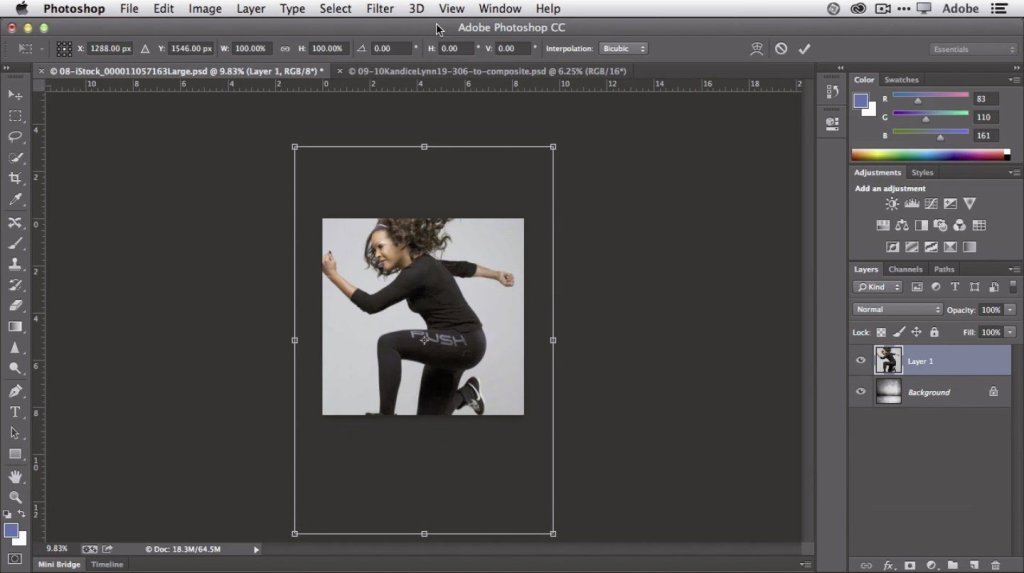
- identify elements of thePhotoshop user interface and demonstrate knowledge of their functions
- demonstrate knowledge of layers and masks
- demonstrate knowledge of importing, exporting, organising and saving
- demonstrate knowledge of producing and reusing images
- demonstrate an understanding of the features and options in a colour management workflow
Number 4: manipulating images with photoshop
This has eight objectives to meet
- demonstrate knowledge of working with selections
- use photoshop guides and rulers
- transform images
- adjust or correct the tonal range, colour or distortion of an image
- demonstrate knowledge of retouching and blending images
- demonstrate knowledge of drawing and painting
- demonstrate knowledge of type
- demonstrate knowledge of filters
Number 5: pushing digital images with photoshop
This contains only one objective
- Demonstrate knowledge of preparing images for web, print and video
 Ruby's blog